





Description
16 Classic Solitaire Games in One App
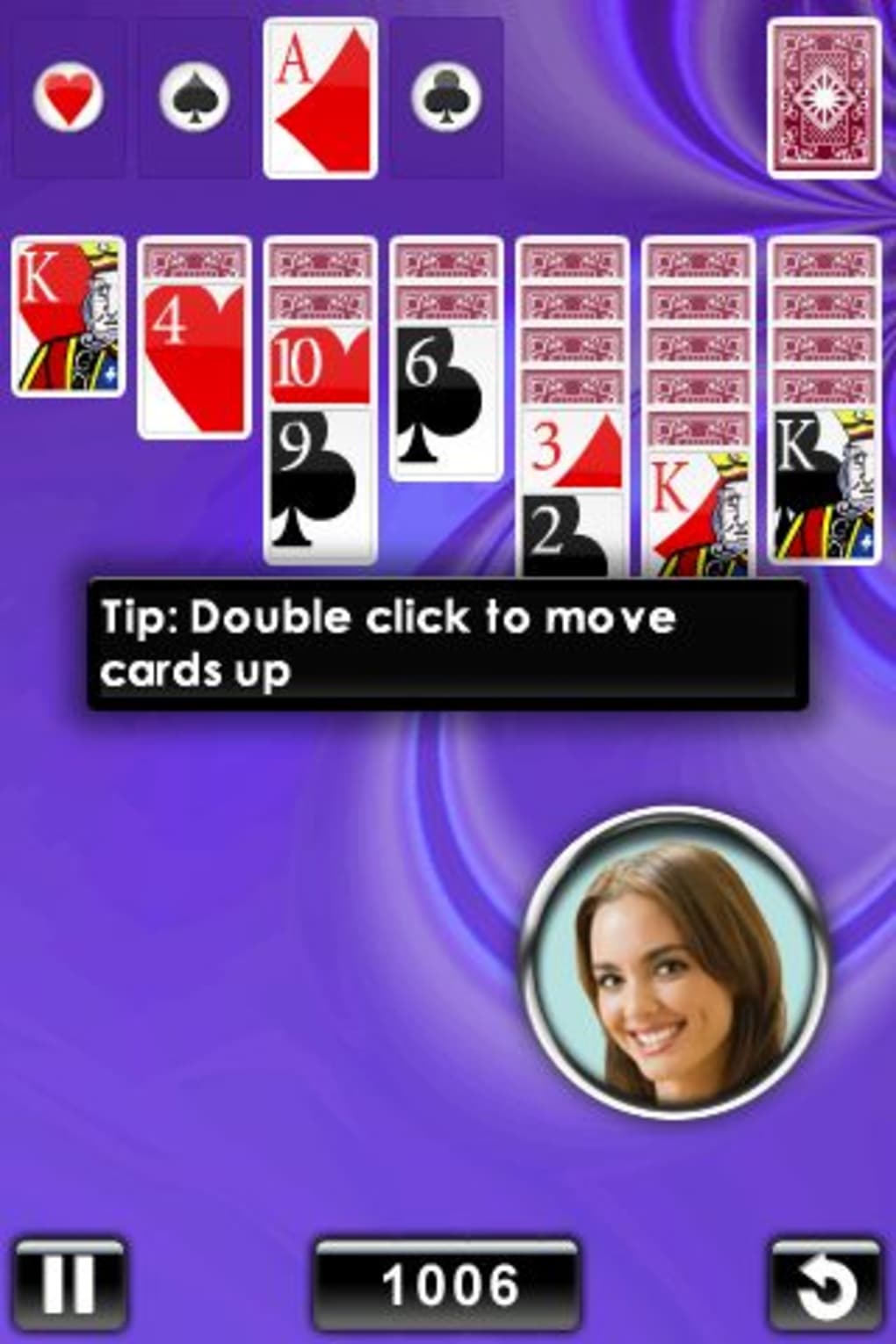
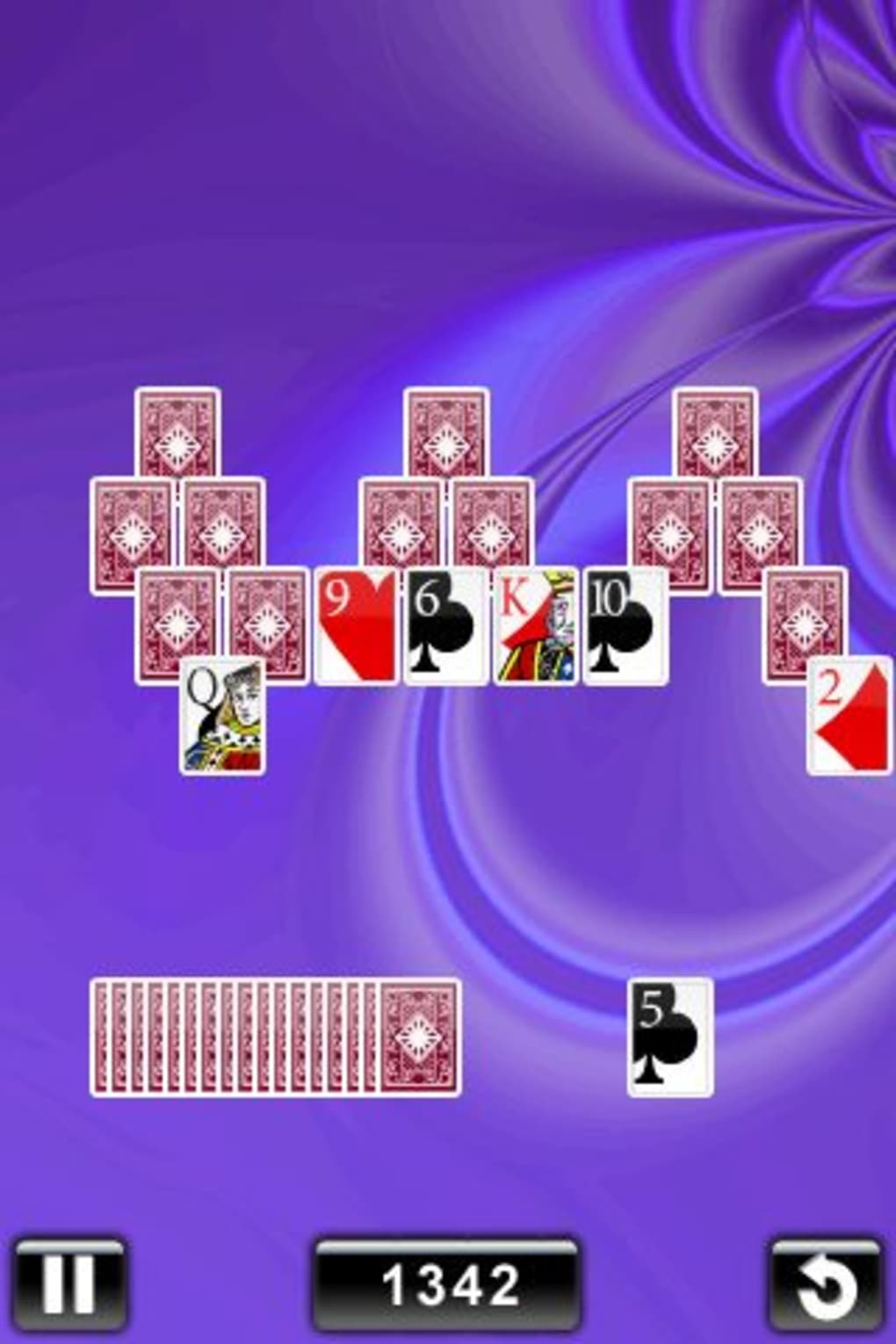
With Solitaire Deluxe 16 Pack, users gain access to a curated collection of 16 single-player card games designed for iOS devices. This desktop-style experience brings timeless favorites like Klondike, FreeCell, Spider, and Pyramid directly to iPhone users. The app aims to provide a polished, engaging environment for casual gamers and solitaire enthusiasts seeking variety and visual appeal. It solves the common issue of fragmented game collections by consolidating multiple classics into a single, well-organized interface. Target users include mobile gamers who enjoy strategic card play, as well as individuals looking for a relaxing, screen-based pastime. The developer, Solitaire Delight, positions this app as a premium entertainment tool within the iOS ecosystem. Real-world usage scenarios include short breaks during work, travel downtime, or evening relaxation. The app supports continuous gameplay tracking through built-in statistics, allowing users to monitor their progress and performance over time. While the core experience is focused on offline play, the integration of in-app credits for customization adds a light gamification layer.
Key Features & Capabilities
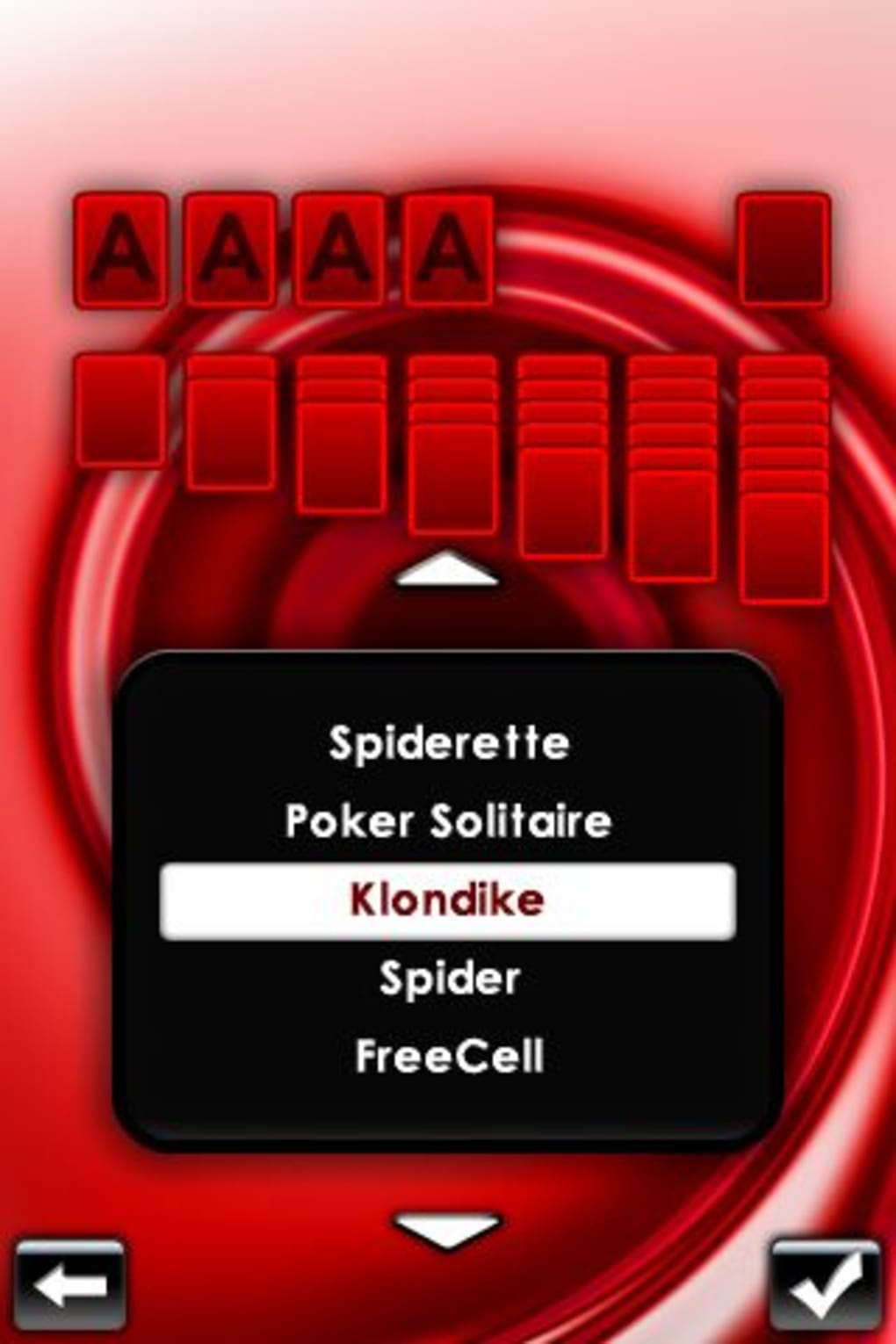
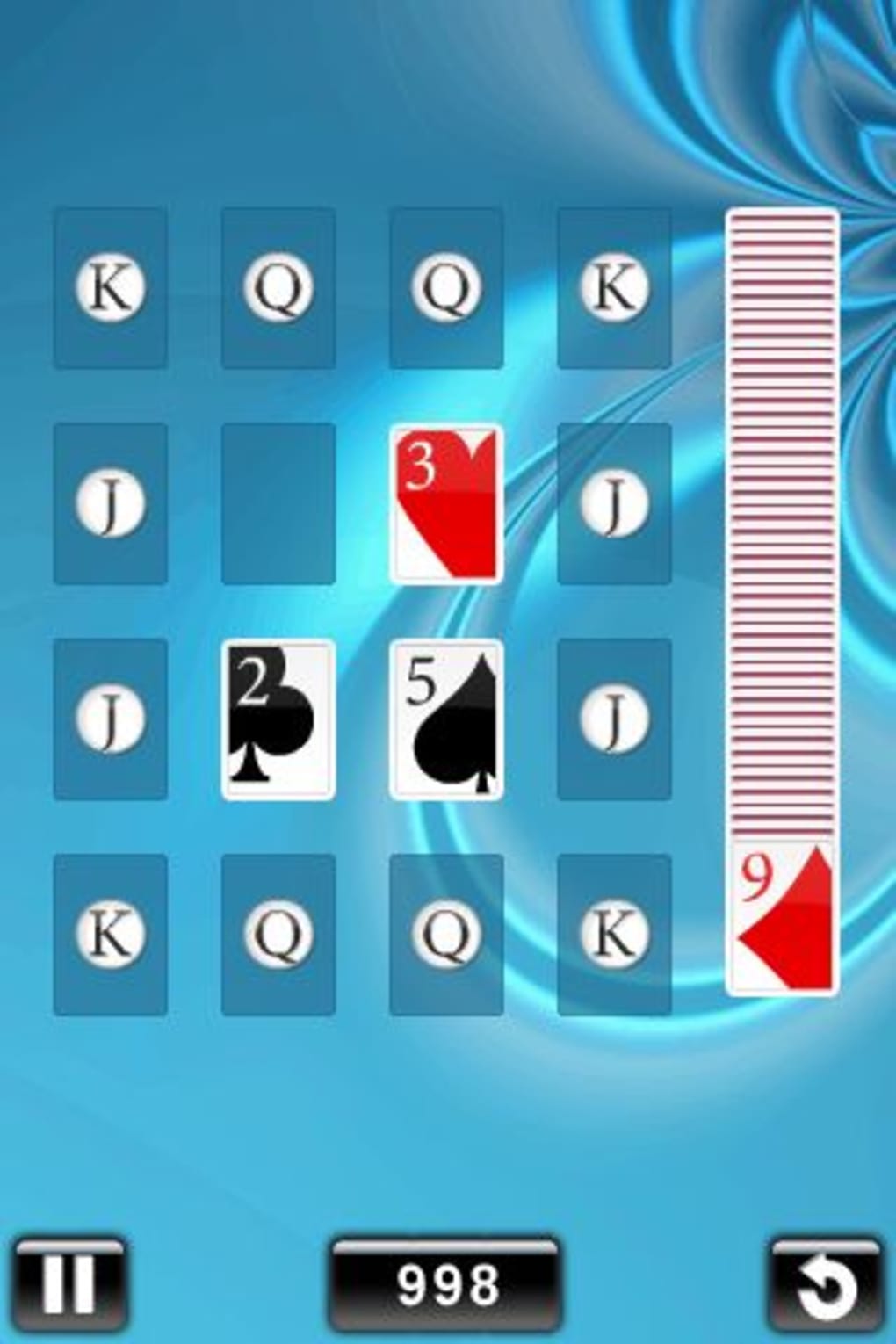
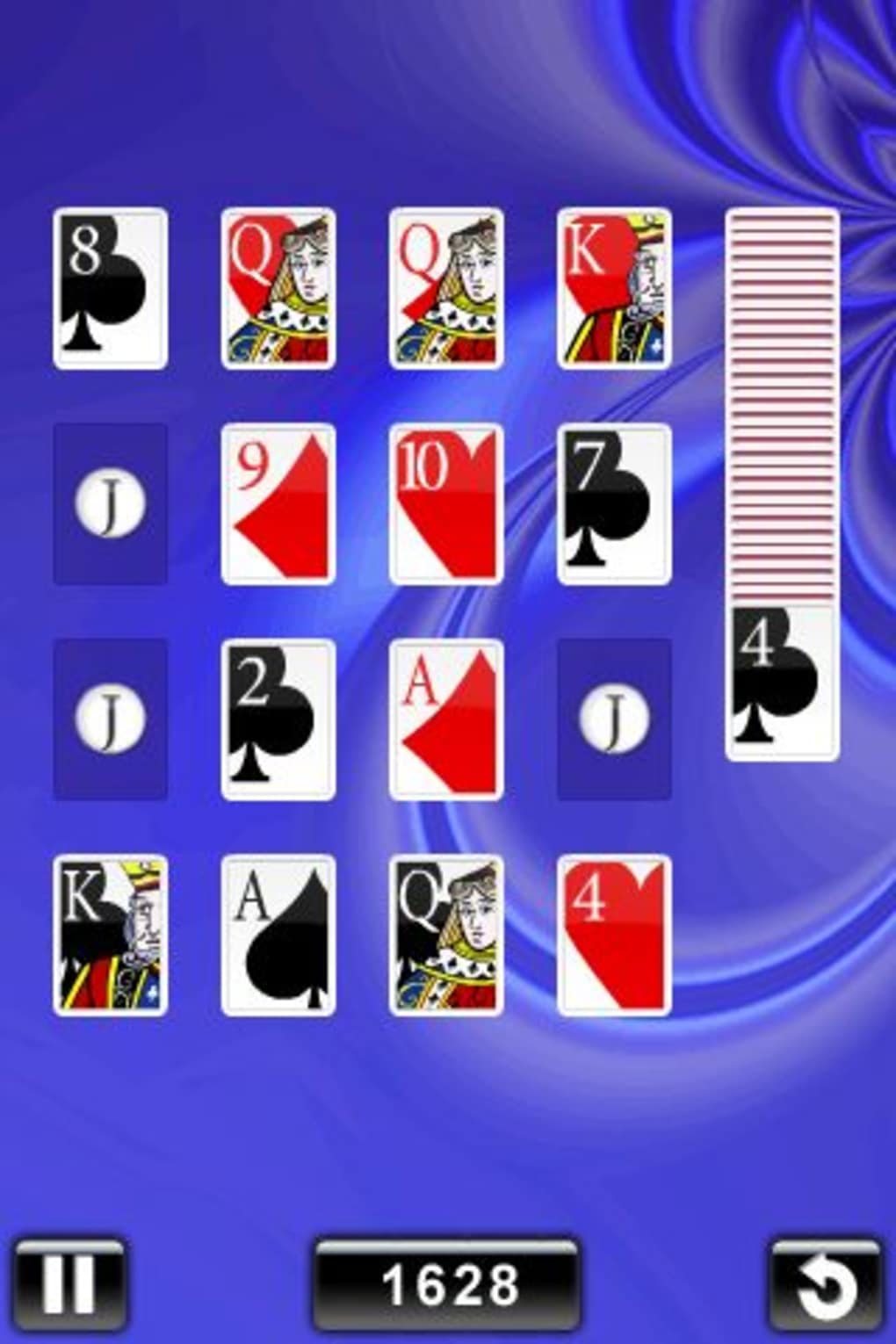
- 16 Classic Card Games: Includes widely recognized titles such as Klondike, FreeCell, Spider, and Pyramid, alongside lesser-known variants like Yukon, King’s Corner, and Vanishing Cross. Each game follows its traditional ruleset, offering authentic gameplay for both new and experienced players.
- Customization Options: Users can personalize their experience with interchangeable card decks and background themes. These visual elements can be unlocked using in-app credits earned through gameplay.
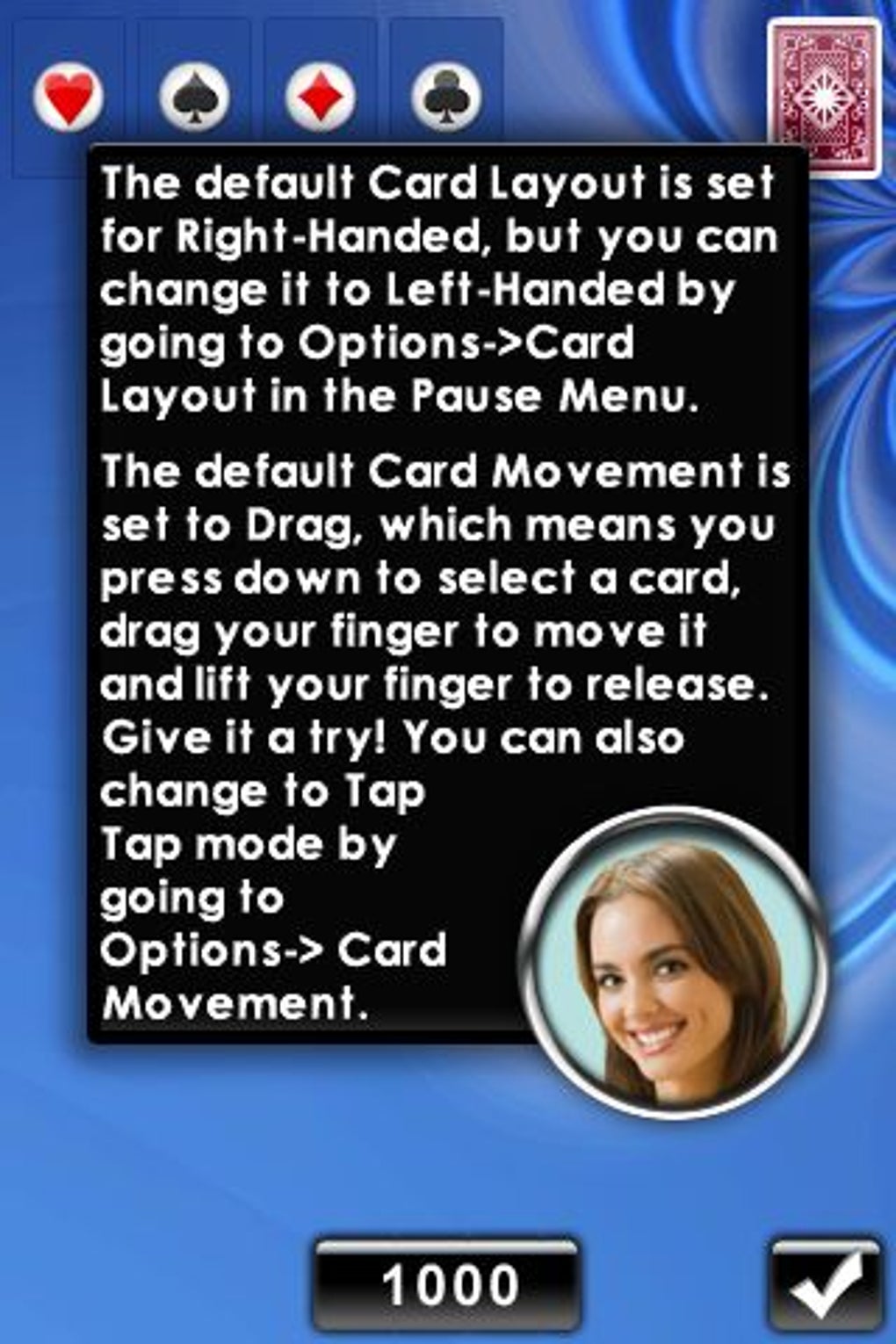
- Interactive Tutorials: Built-in step-by-step guides help users learn the rules and mechanics of each game, reducing the learning curve for unfamiliar titles.
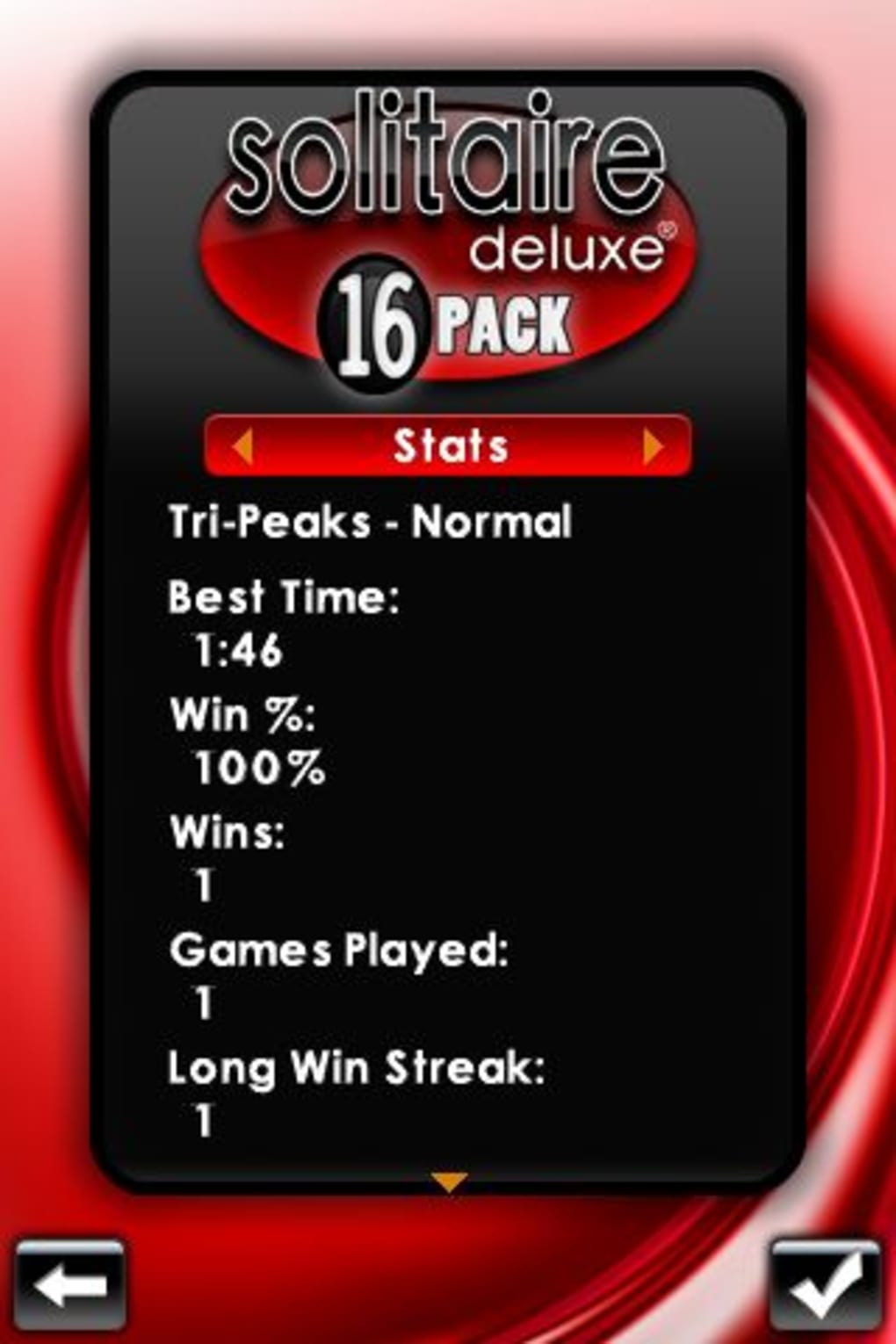
- Game Statistics: The app tracks win rates, play duration, and completion milestones, enabling users to analyze their performance and set personal goals over time.
- Visual and Audio Design: Features smart graphics, smooth animations, and rich sound effects that enhance immersion without compromising performance.
These features collectively create a cohesive, self-contained entertainment experience. For example, a user can switch between Klondike and Yukon in a single session, adjusting visuals to match their mood. The tutorial system ensures that even first-time players can quickly engage with complex games like Spider. Statistics help identify strengths and areas for improvement, turning casual play into a measurable challenge. The credit-based customization system encourages repeated engagement, rewarding consistent play with aesthetic upgrades.
User Interface, Workflow & Performance
The user interface is structured around a clean, intuitive menu system that allows quick access to all 16 games. Navigation is straightforward, with clearly labeled icons and consistent layout across screens. The workflow is designed for minimal friction—players can start a game with a single tap and exit at any time without losing progress. The app maintains a responsive feel during gameplay, with smooth card movements and instant feedback on selections. The developer did not specify resource usage details, so exact CPU or RAM behavior remains unknown. Performance observations are based on general software behavior patterns for similar iOS applications. Stability appears consistent across sessions, with no reported crashes in the provided information. The app runs entirely on the device, ensuring privacy and uninterrupted play. However, the inability to switch to landscape mode may affect usability for certain games where horizontal orientation would improve card visibility and control precision.
Compatibility & System Requirements
Solitaire Deluxe 16 Pack is designed exclusively for iOS devices, with full compatibility confirmed for iPhone models supporting the specified OS version. The app requires 256 MB of storage space, which is modest for a game collection of this scope. The developer did not provide additional system requirements, so exact hardware specifications or iOS version thresholds remain unspecified. Compatibility information was partially provided, leaving users to verify device suitability based on general iOS standards. Installation is straightforward, with the app available through the App Store. No external dependencies or internet connectivity are required for core gameplay, though optional features may rely on network access. The app does not support other platforms such as Android or desktop operating systems.
Pros and Cons
Pros
- 16 diverse and authentic card games in one package
- High-quality visuals and immersive audio design
- Comprehensive tutorials for learning new games
- Personalization through custom decks and backgrounds
- Offline functionality with no mandatory internet connection
- Progress tracking via built-in statistics
Cons
- Limited customization options available at launch
- Cannot be played in landscape mode on iPhone
- Customization requires in-app credits, which may deter some users
- Minimal information on system requirements and performance
- App is restricted to iOS, limiting cross-platform access
FAQ Section
Is Solitaire Deluxe 16 Pack available for free?
Yes, the app is currently available at no cost on the App Store. There are no upfront fees to download or play the core games.
Can I play Solitaire Deluxe 16 Pack offline?
Yes, all games can be played without an internet connection. The app does not require continuous online access to function.
Does the app support landscape mode on iPhone?
Currently, the app does not support landscape orientation. Gameplay is locked to portrait mode, which may impact usability for certain games.
How do I earn credits for customization?
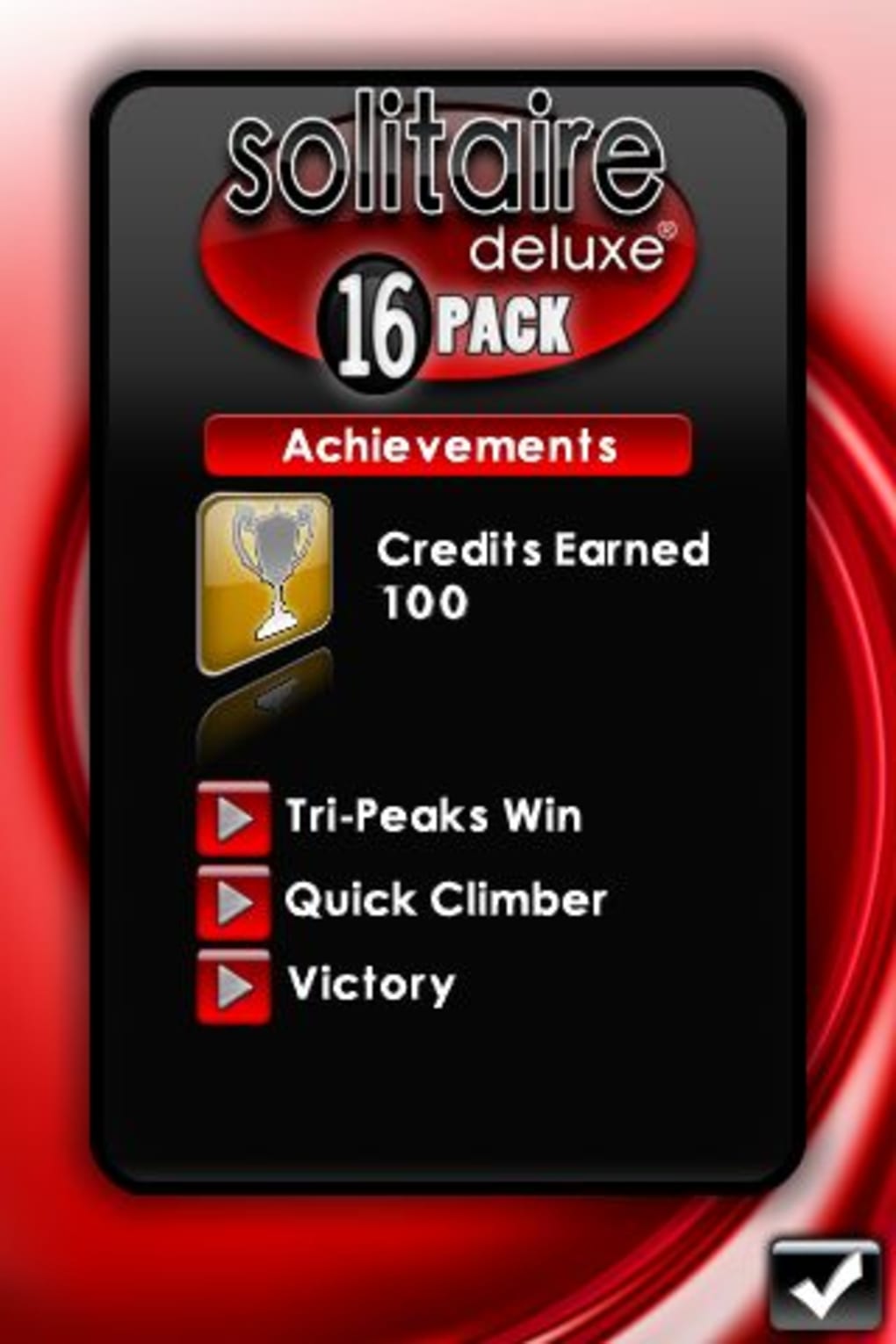
Credits are earned by completing games and achieving milestones. These in-app rewards unlock new card decks and background themes.
Are there any in-app purchases or ads?
The provided information does not specify the presence of ads or in-app purchases. The app is listed as free, but additional monetization methods may exist.
Final Thoughts + CTA
Solitaire Deluxe 16 Pack delivers a compelling collection of classic card games tailored for iPhone users seeking variety, visual polish, and strategic depth. While the lack of landscape support and limited initial customization options are notable drawbacks, the app excels in core gameplay, design, and accessibility. The inclusion of tutorials ensures that both beginners and seasoned players can enjoy the full range of titles. Built-in statistics add a layer of engagement that transforms casual play into a measurable experience. For fans of solitaire and card games on iOS, this app offers a well-rounded, distraction-free entertainment option. Its free availability makes it accessible to a wide audience. Download Solitaire Deluxe 16 Pack now.
Guides & Tutorials for Solitaire Deluxe 16 Pack
How to install Solitaire Deluxe 16 Pack
- Click the Preview / Download button above.
- Once redirected, accept the terms and click Install.
- Wait for the Solitaire Deluxe 16 Pack download to finish on your device.
How to use Solitaire Deluxe 16 Pack
This software is primarily used for its core features described above. Open the app after installation to explore its capabilities.
User Reviews for Solitaire Deluxe 16 Pack 0
No reviews found





